Assistive Editing or AI-Generated Content? Article 50 Decision Guide
Grammar correction and spelling cleanup are the clearest assistive-editing examples. Summarizers, drafting assistants, tone rewrites, and semantic translators need closer review because they can change meaning, emphasis, or reader understanding.
The decision to document
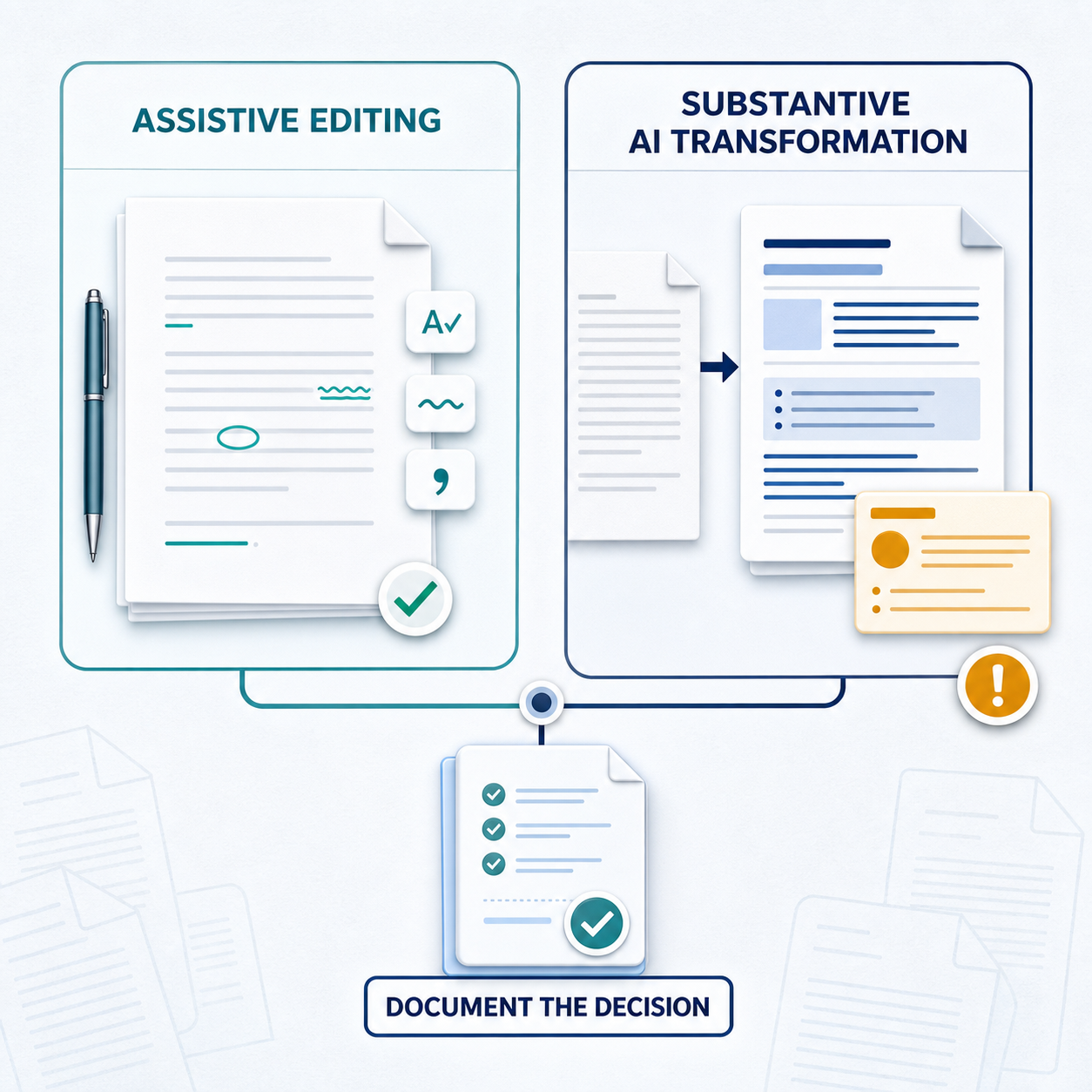
Article 50(2) includes an exception for systems that perform only an assistive function for standard editing or do not substantially alter input data or its semantics. That exception is useful, but it should not live as a Slack answer or a procurement email. It needs a dated decision record.
Practical decision table
| Workflow | Article 50 assessment posture | Evidence to keep |
|---|---|---|
| Spell-check and grammar correction | Often a candidate for assistive-editing treatment if no substantive meaning is changed. | Examples, product behavior description, reviewer sign-off. |
| Formatting and style normalization | May be assistive if it only changes layout or style; review if it rewrites meaning. | Before/after samples and rule boundaries. |
| Contract or policy summarizer | Needs documented review. Summaries can omit conditions, change emphasis, or alter semantics. | Input/output examples, risk notes, counsel decision. |
| Translator with tone or structure rewriting | Needs documented review. Translation plus rewriting can substantially alter semantics. | Scope definition, sample outputs, reviewer decision. |
| Paragraph or article drafting assistant | Usually not just editing because it generates new text. | Generated-output controls, marking approach, release owner. |
| RAG chatbot answering from documents | Review 50(1) for interaction disclosure and 50(2) if generated text outputs are in scope. | First-interaction disclosure, output behavior, evidence owner. |
Minimum decision record
- Describe the user workflow in plain language.
- Attach representative input and output examples.
- State whether the output creates new text, condenses text, rewrites text, translates text, or only edits presentation.
- State whether the output substantially alters input data or semantics, with reasoning.
- Record the applicable Article 50 paragraph and any exception relied on.
- Name the product owner, engineering owner, legal/compliance reviewer, and review date.
Where Compliance Glossary helps
The decision guide depends on consistent terms: assistive function, standard editing, input data, semantics, provider, deployer, AI-generated text, and public-interest publication. Compliance Glossary lets legal or compliance approve those definitions once, scan Confluence pages for drift, and export the record.
Sources
Compliance for Confluence
See how Compliance for Confluence turns approved terminology into audit evidence inside Confluence.